I wanted to build a bottom sheet like the one in Apple’s native Maps app, and when I looked into it, the samples I found all used .sheet.
I managed to get a bottom sheet similar to Apple’s Maps app, but the elements behind the sheet became dimmed. Every sample I looked at had this same issue where the background elements were dimmed, but I came across someone who had solved it, so I’m leaving this as a note.
Comparison with a plain .sheet
First, let’s check what the issue looks like.
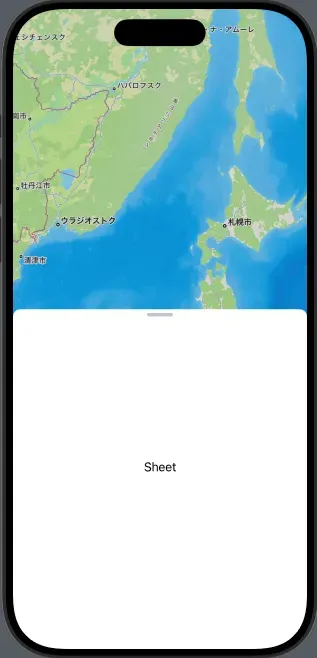 | 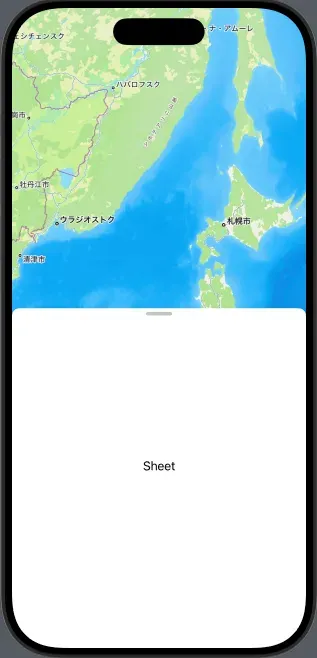 |
|---|---|
| Before | After |
The code to add
import SwiftUI
import MapKit

struct ContentView: View {
    var body: some View {
        Map()
            .sheet(isPresented: .constant(true)){
            Text("Sheet")
                    .presentationDetents([.height(100), .medium, .large])
+                   .presentationBackgroundInteraction(.enabled)
        }
    }
}

#Preview {
    ContentView()
}https://developer.apple.com/documentation/swiftui/view/presentationbackgroundinteraction(_:)
presentationBackgroundInteraction(_:) | Apple Developer Documentation
Controls whether people can interact with the view behind a presentation.

Source
@Bista-san
Thank you🙇🙇🙇