Introduction
Starting June 23, 2026, a new method to extend an AWS Certification by one year without retaking the exam began in open beta. The mechanism is that simply completing designated training and hands-on labs on AWS Skill Builder automatically extends the eligible certification by one year.
Reference: A new way to keep your AWS Certification current | AWS News Blog
In this post, I first organize how the new program works, then actually try this extension on my own certification to verify whether it really extends by one year.
Overview of the New Program
Until now, renewing an AWS Certification required either retaking the same exam before it expired or passing a higher-level exam. This new program adds the option of “extension by completing training” on top of that. The traditional renewal via retake or higher-level exam is still available too.
The flow to renewal is these three steps.
- Choose the certification you want to maintain in AWS Skill Builder
- Complete the related digital courses and hands-on labs
- Once the requirements are met, it is automatically extended by one year
Eligible Certifications
At the start of the open beta, the eligible certifications are the following.
- AWS Certified Solutions Architect – Associate
- AWS Certified Developer – Associate
- AWS Certified CloudOps Engineer – Associate
- AWS Certified DevOps Engineer – Professional
- AWS Certified Solutions Architect – Professional
In the latter half of 2026, support is said to expand to security- and data-engineer-related certifications as well.
Requirements for Extension
Extension requires earning points, and the conditions differ by level.
- Associate level: 500 points, including at least one hands-on activity
- Professional level: 700 points, including at least two hands-on activities
Points are added by completing designated digital courses and hands-on labs.
Usage Conditions and Cost
To use it, you must meet the following conditions.
- Have an active AWS Skill Builder subscription (for individuals, $29/month)
- Be within 90 days of the certification’s expiration date
Actually Trying It
From here, I actually try this extension program on my own certification. What I extend this time is the AWS Certified Solutions Architect – Associate, whose expiration date of September 15, 2026 was approaching.
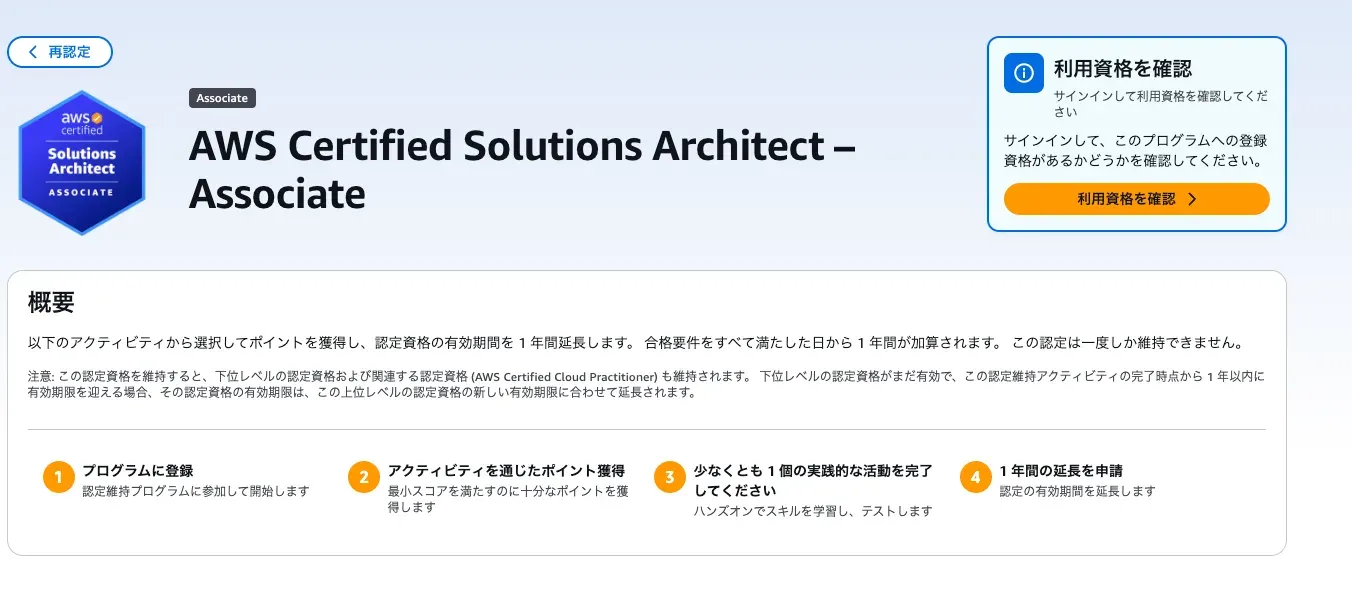
Accessing the Recertification Page
When you choose the certification you want to maintain from the recertification section of AWS Skill Builder, the program overview page appears. Before signing in, you are prompted to check whether you are eligible to register.
Registering for the Program
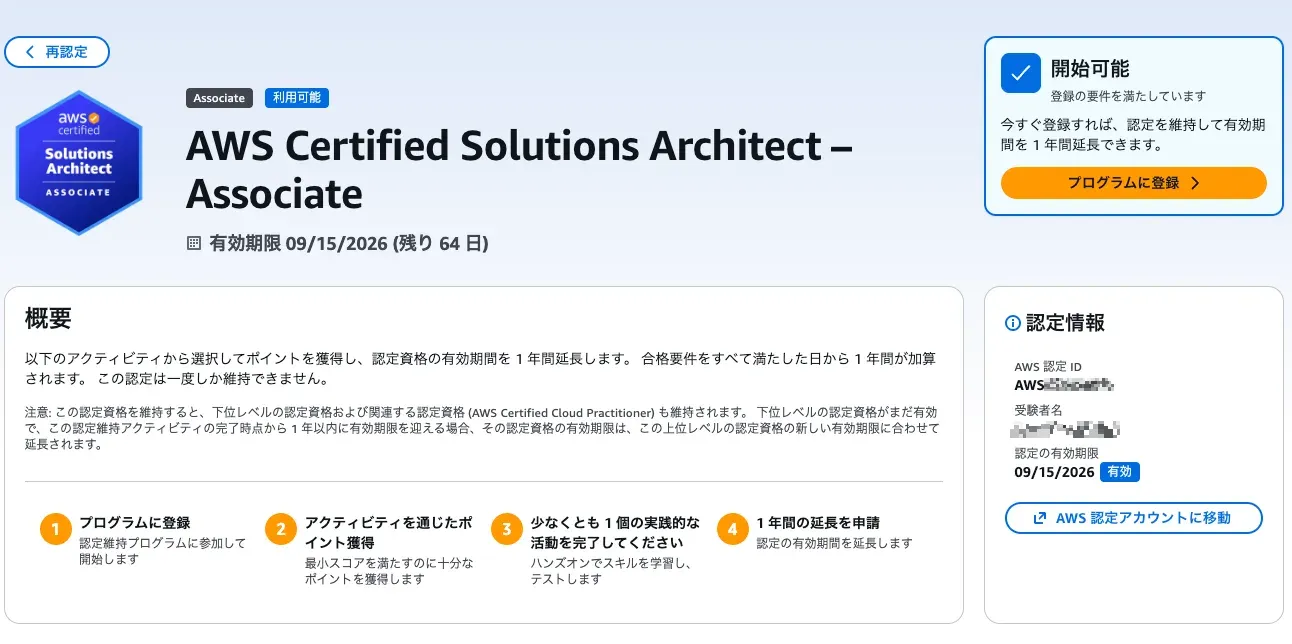
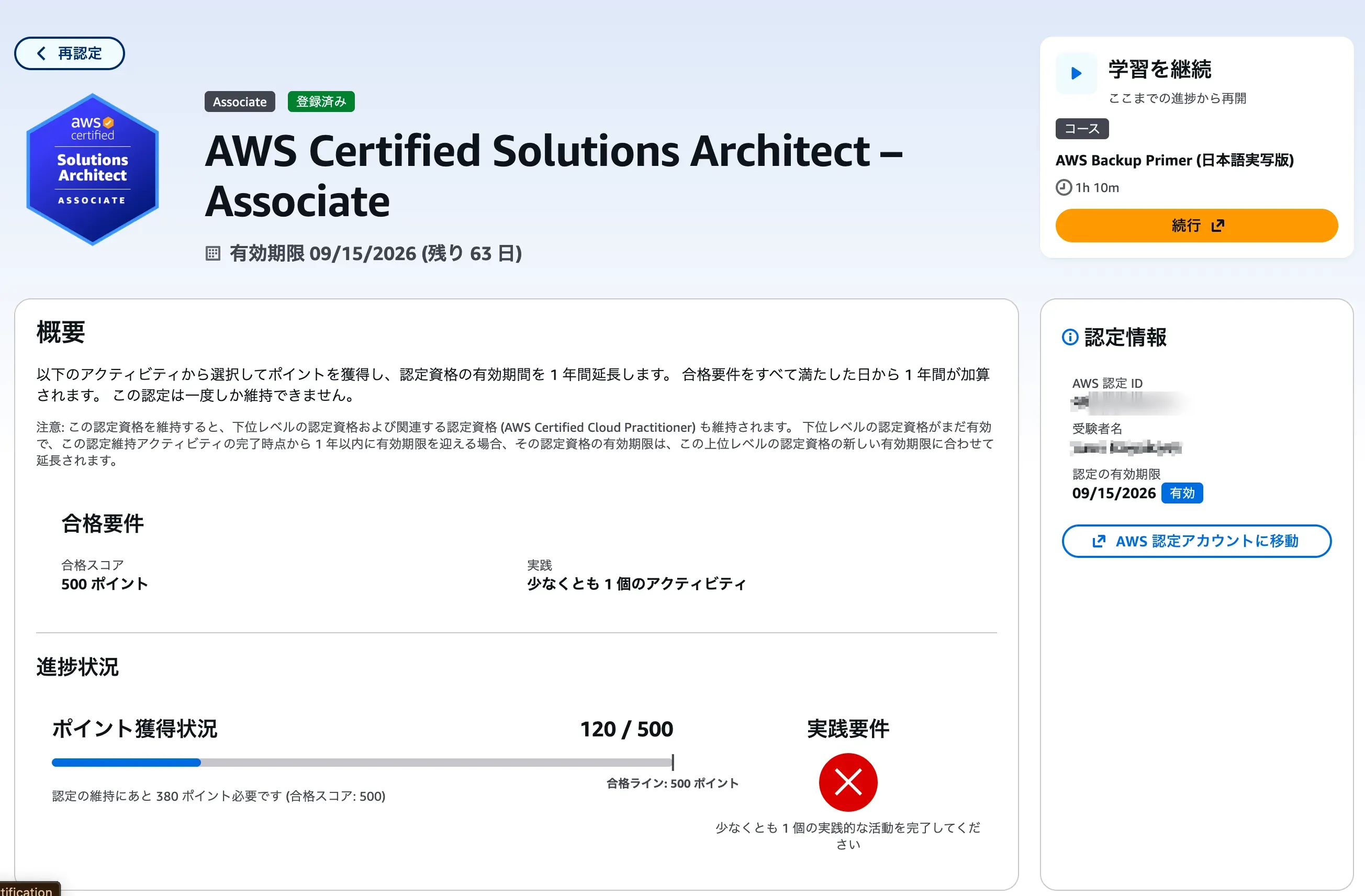
Once you sign in, the expiration date and remaining days of the certifications you hold are displayed. At this point there were 64 days left until expiration, so the “within 90 days” condition was met, and the status was ready to start. All that was left was to press “Enroll in program.”
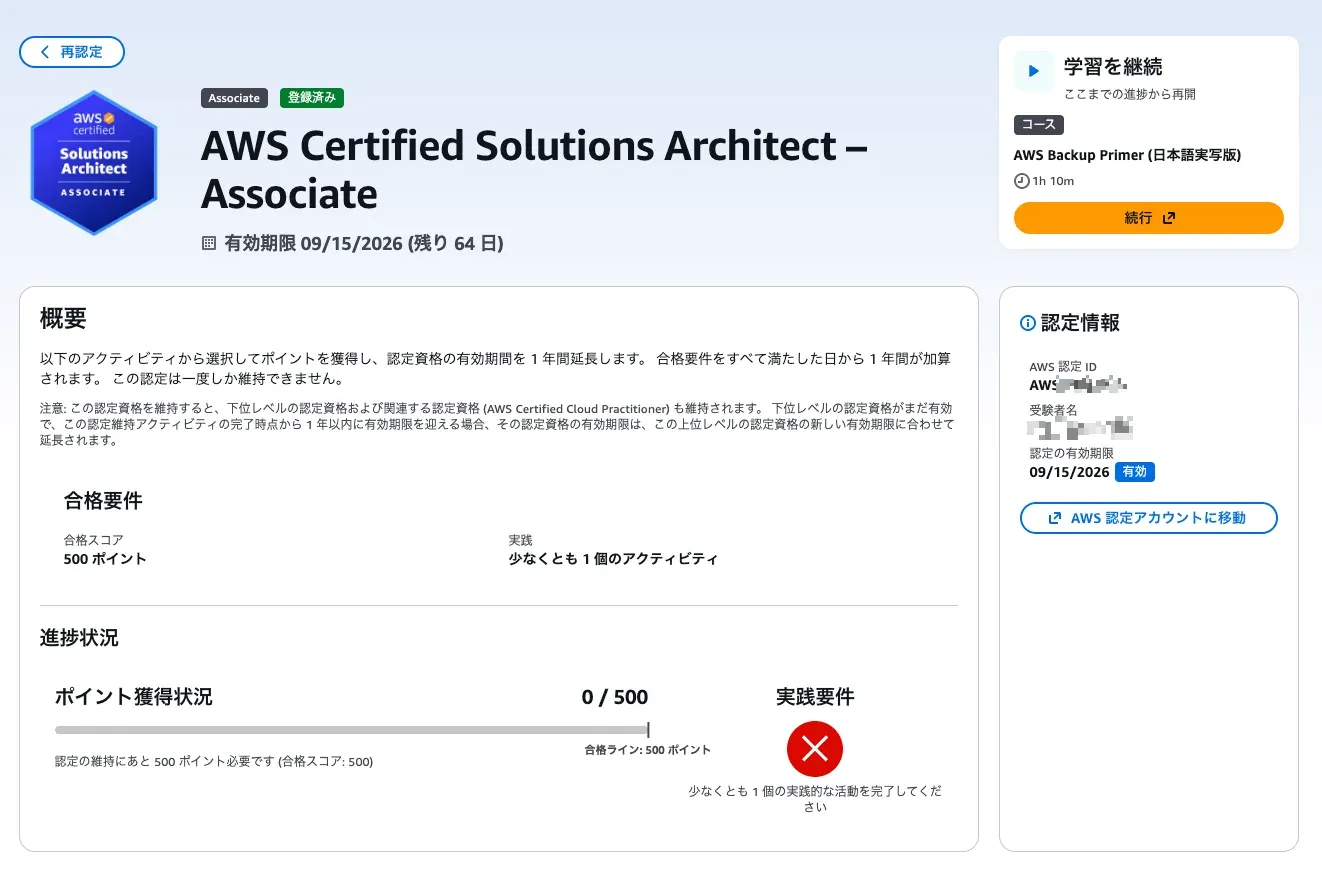
Once registered, the progress dashboard is displayed. The passing requirements are 500 points and at least one hands-on activity, and naturally it starts at 0 points with the hands-on requirement not yet met.
Checking the List of Activities
The activities eligible for earning points are split into two kinds: digital courses and hands-on activities.
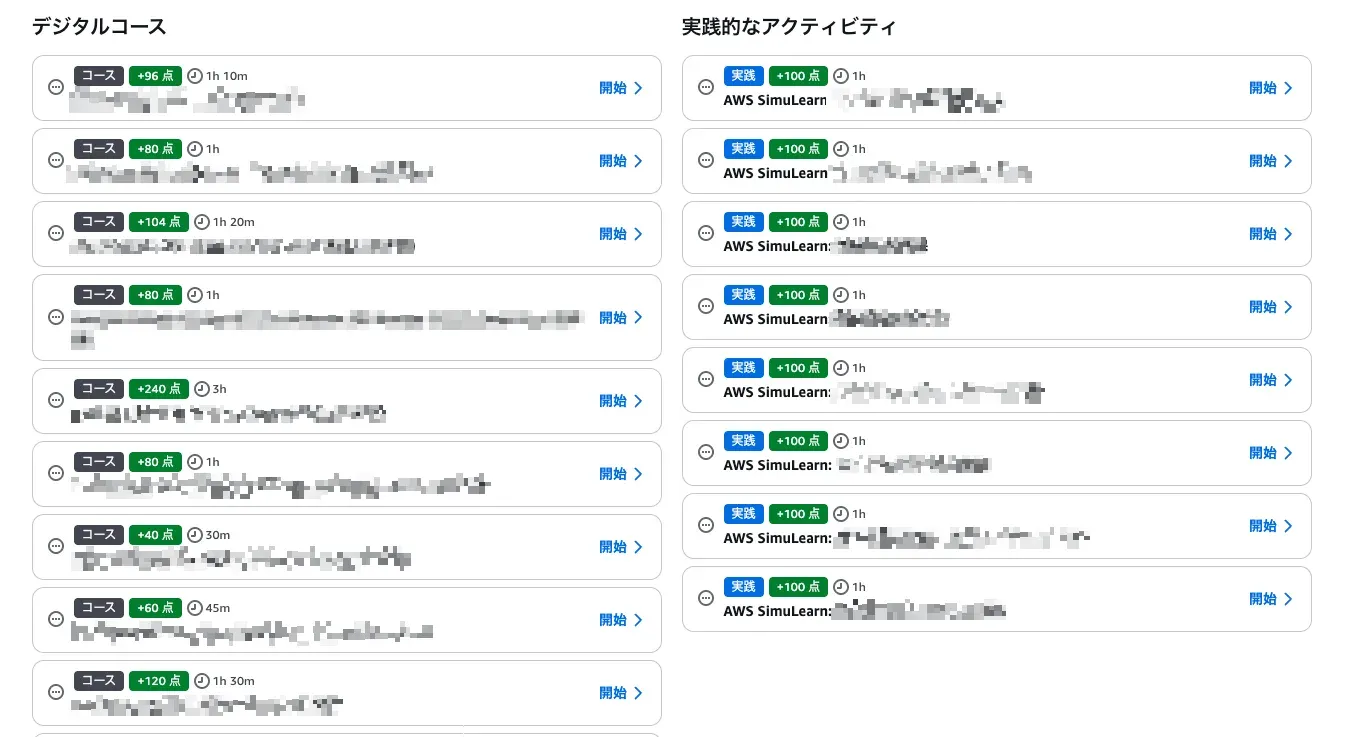
Digital courses range from 40 points for 30 minutes to 240 points for 3 hours, roughly around 80 points per hour. The hands-on activities are all AWS SimuLearn scenarios, 100 points each with a duration of 1 hour. The content appeared to be basically localized into Japanese. The content can be chosen from things like reviewing fields that appeared on the solutions architect exam, such as Lambda and Bedrock.
Working Through the Digital Courses
First I earn points with the digital courses. The course content consists of videos and text, with a knowledge check (comprehension questions) at the end. Completing all the lessons marks the course as complete and adds the points.
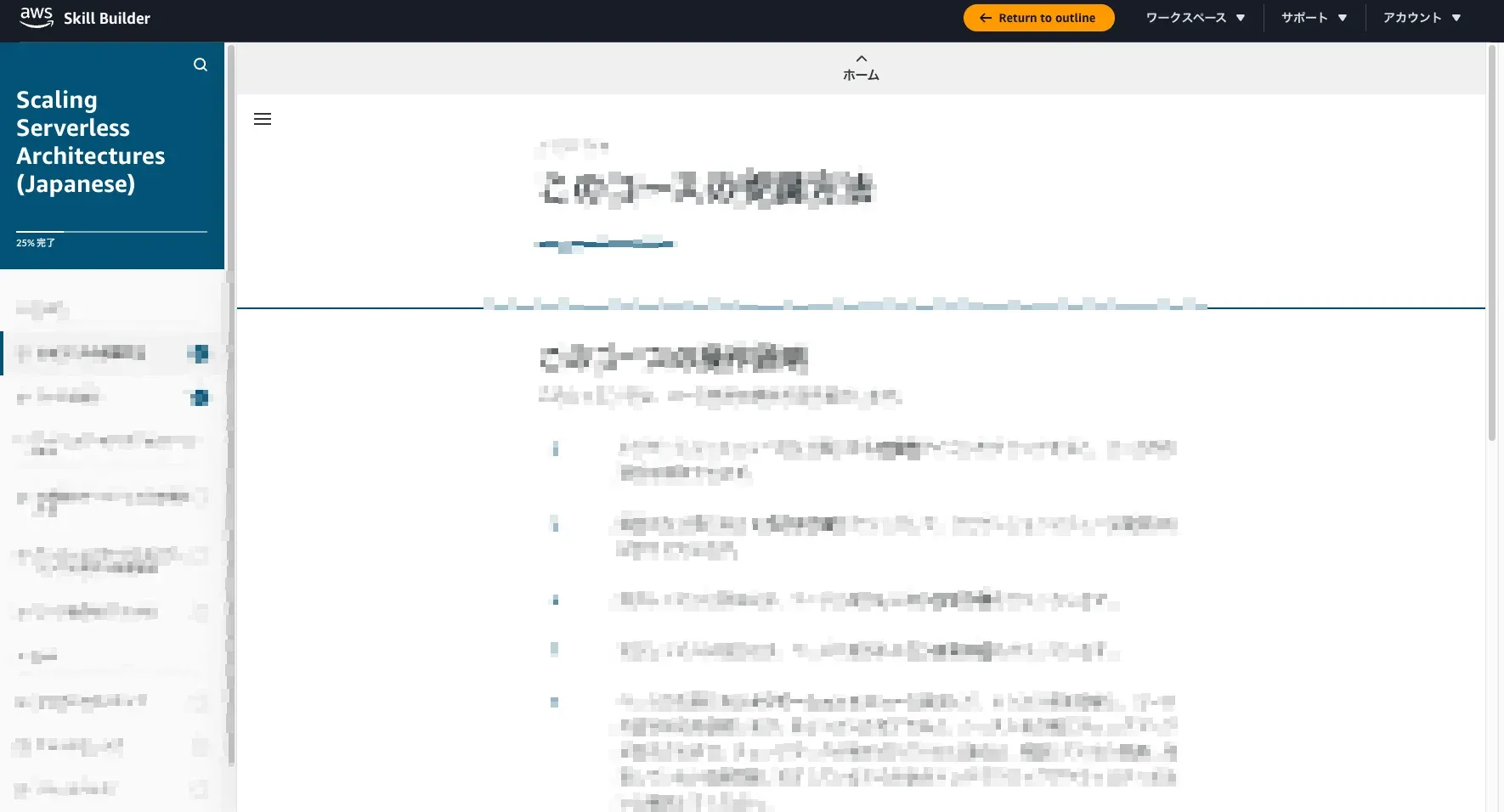
When you complete a course, the points on the progress dashboard increase on the spot. It feels like steadily building them up.
Meeting the Hands-On Requirement With AWS SimuLearn
Separate from the 500 points, completing at least one hands-on activity is mandatory. This time I chose “AWS SimuLearn: Electronic Health Records in the Cloud.”
AWS SimuLearn is scenario-based learning content that begins with a conversation with a virtual customer. In this scenario, it starts with taking on the consultation of a customer who wants to migrate an on-premises electronic health records application to the cloud.
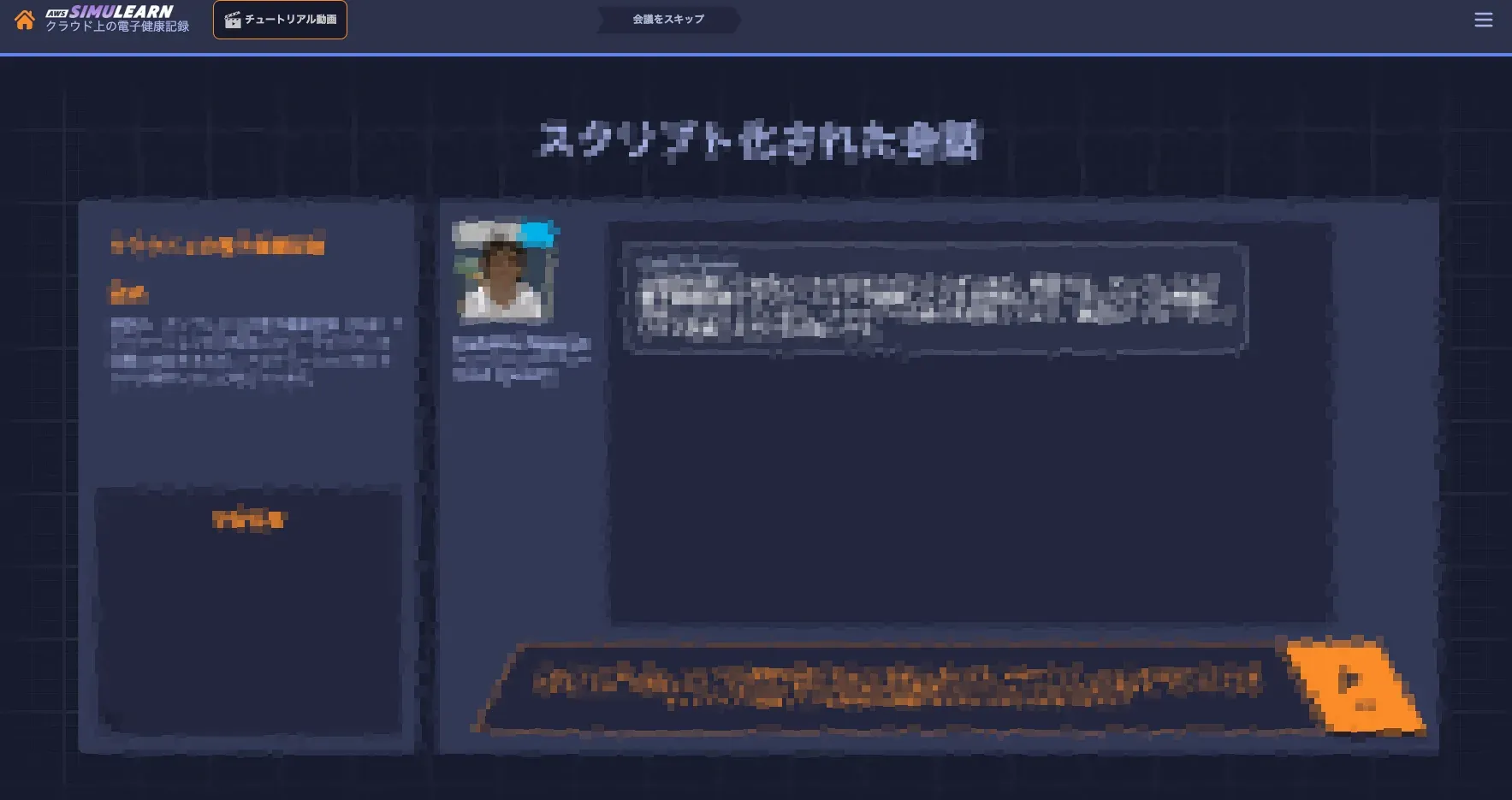
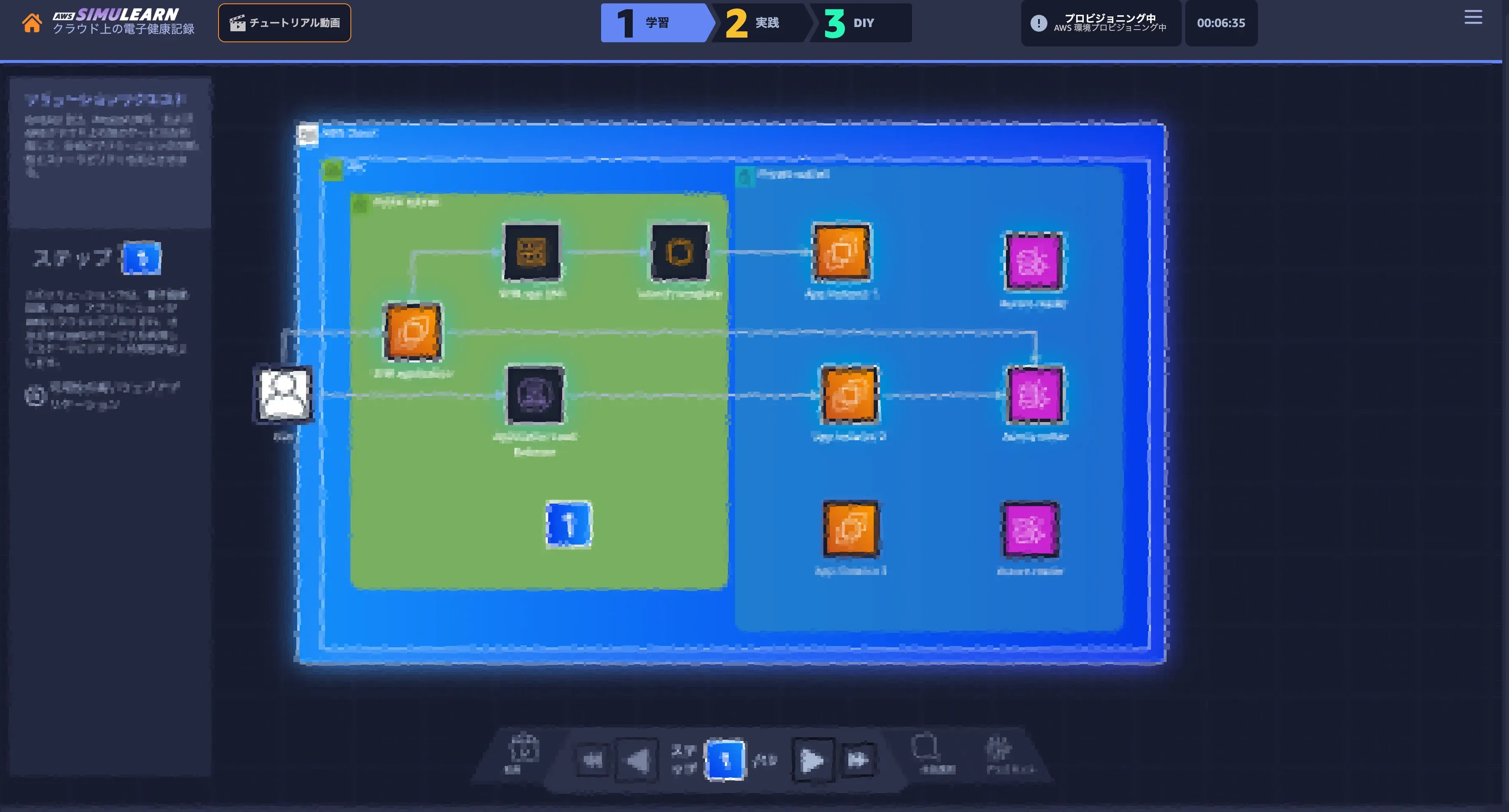
After organizing the requirements in conversation, it proceeds in three steps: learn, practice, and DIY. In the learn part, it explains, step by step, an infrastructure diagram that satisfies the requirements.
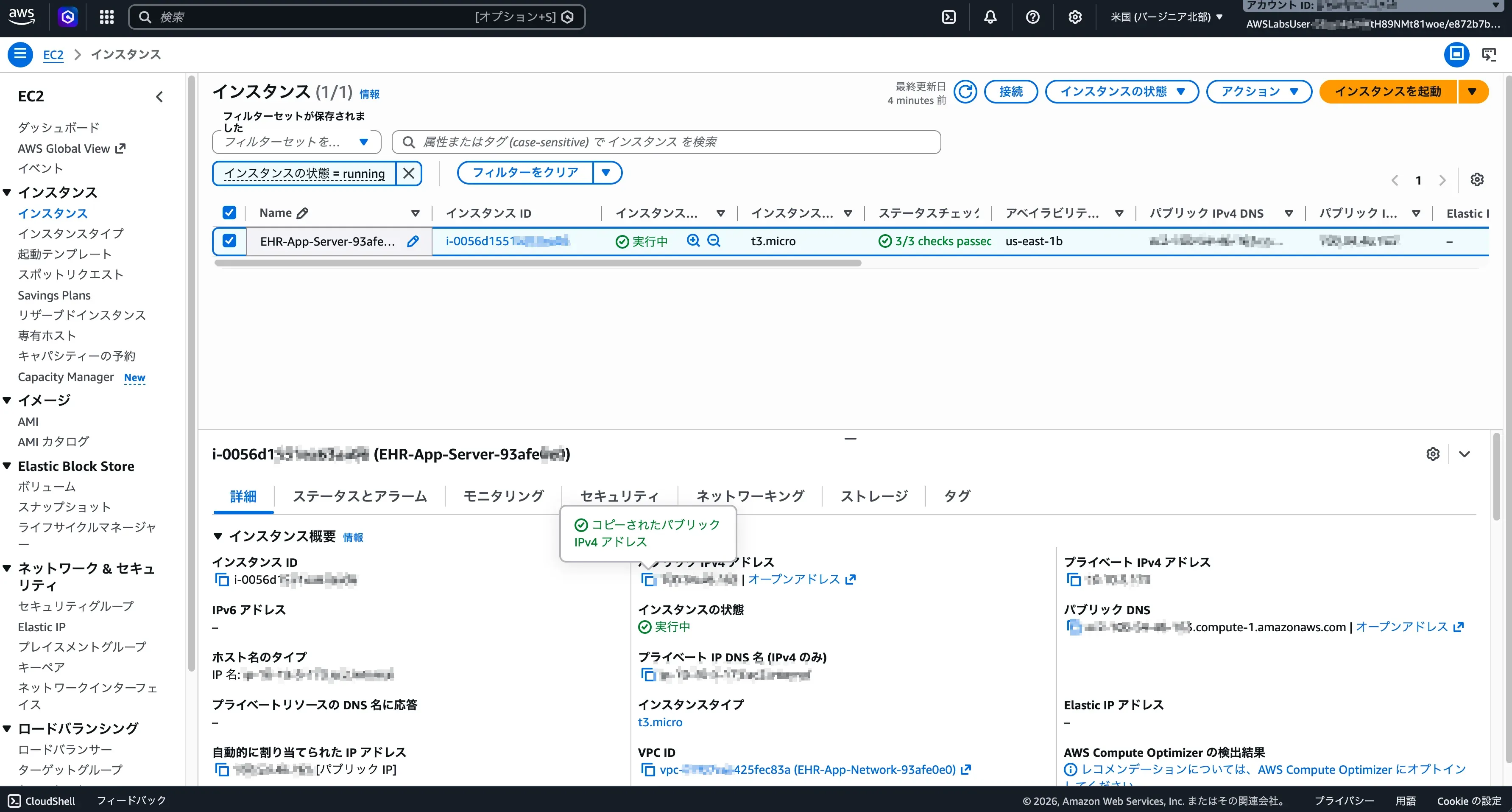
After that, you actually log in to the AWS Management Console of a provisioned sandbox environment and operate it. The EC2 instances and VPC that appeared in the diagram really exist, and you proceed with learning while checking and changing settings.
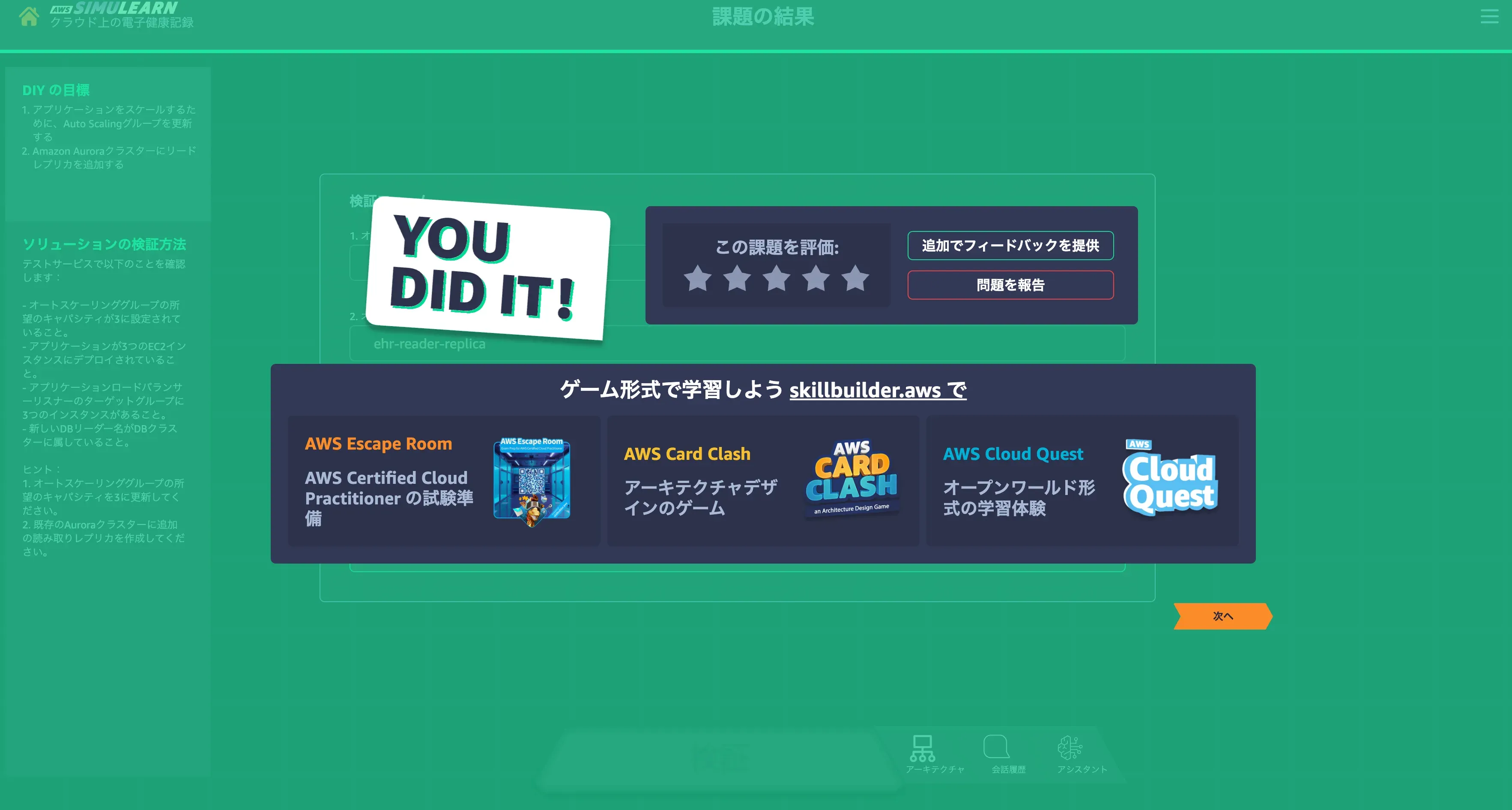
In the final DIY part, you solve the task yourself, relying on hints. This time’s task was to update the desired capacity of the Auto Scaling group to 3 and to add a read replica to the Aurora cluster. Passing the validation completes the activity.
Confirming the One-Year Extension
Once you build up digital courses and AWS SimuLearn to meet the 500 points and the hands-on requirement, there is no grand procedure like pressing an apply button; the certification was simply extended. The expiration date changed from September 15, 2026 to July 16, 2027.
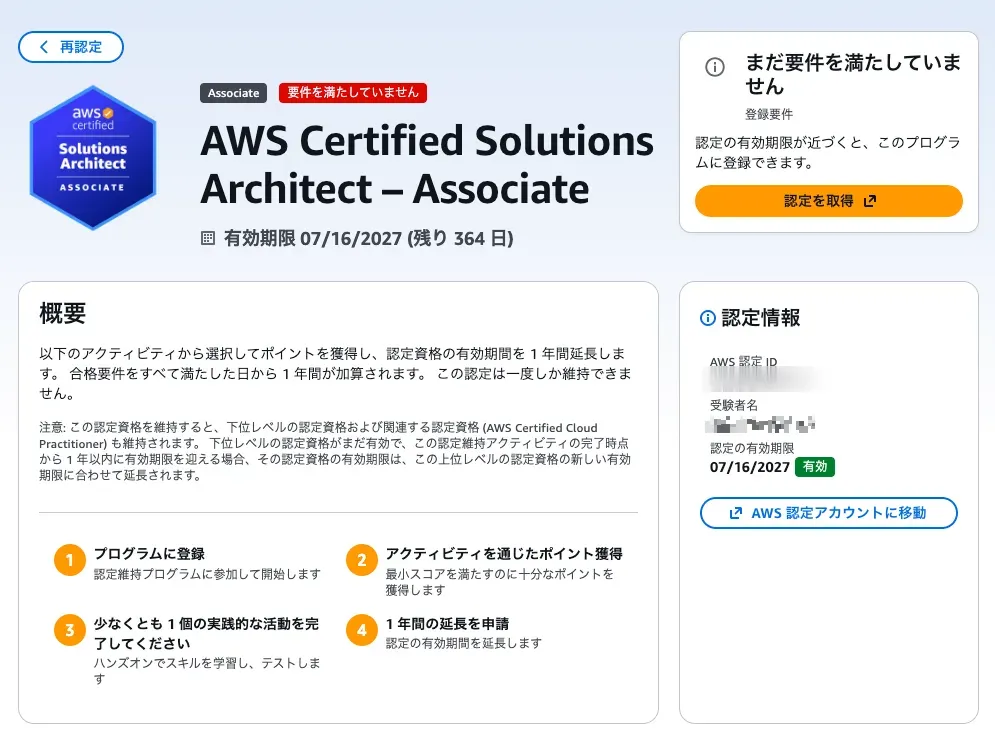
The reason the status after extension goes back to “requirements not yet met” is that this certification-maintenance program can only be used once. The next renewal cannot be extended by this method and will require a retake or the like.
Impressions From Trying It
Originally, I intended to renew by newly obtaining a different certification. But the exam schedule just would not line up, and letting it lapse as-is would be a waste. That is when I learned about this program and used it.
Actually doing it, the effort involved is overwhelmingly lighter than retaking the exam. Converted to content duration, 500 points is roughly 3 to 5 hours’ worth, and I could complete it in a few days by making a little progress in spare moments. Considering practice exams and redoing memorization, this difference feels quite large.
Despite the once-only constraint, it is a just-right mechanism for people like me who find “taking an exam for renewal is difficult schedule-wise, but I do not want to let it lapse.” If you hold an eligible certification and its deadline is near, please consider it as an option.
URLs for Maintaining Certification
 https://skillbuilder.aws/certification/recertification
- Registration for the paid Skill Builder subscription ($29/month) is required.
https://skillbuilder.aws/subscriptionsReferences
https://aws.amazon.com/blogs/news/a-new-way-to-keep-your-aws-certification-current/