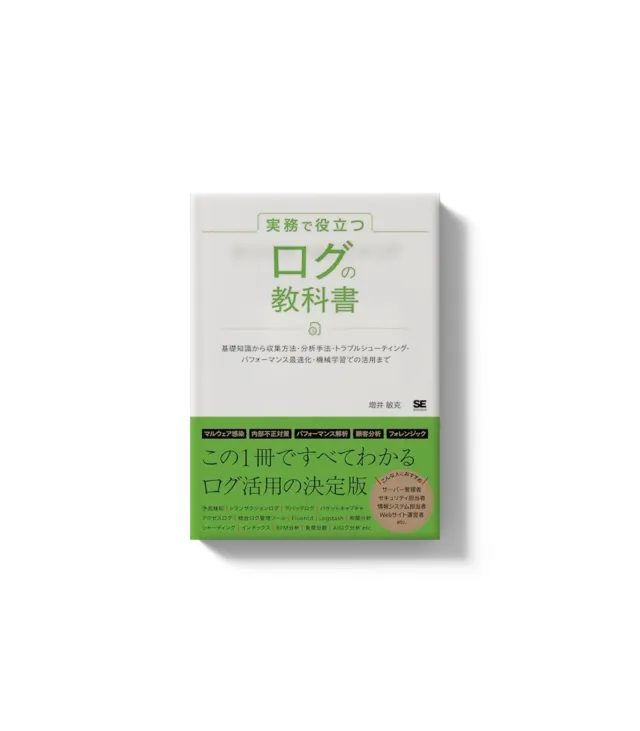
When you know a book’s ISBN, here’s an easy way to reach its Amazon product page. With this method, you can use something like JavaScript to generate an Amazon product page URL from an ISBN and access it directly.
Generating an Amazon URL from an ISBN
The basic URL structure for accessing an Amazon product page is as follows:
https://www.amazon.co.jp/exec/obidos/ASIN/{ISBN}Replace the {ISBN} part with the actual ISBN.
Note that you need to use ISBN10 rather than ISBN13.
Example Implementation in JavaScript
Let’s look at how to actually use JavaScript to jump to an Amazon product page from an ISBN.
const isbn10 = "4873115655";
const amazonUrl = `https://www.amazon.co.jp/exec/obidos/ASIN/${isbn10}`;
console.log(amazonUrl);
>> https://www.amazon.co.jp/exec/obidos/ASIN/4873115655
In the code above, a 10-digit ISBN is stored in the isbn10 variable, and a template literal is used to generate the Amazon product page URL.
Wrap-up
I’ve shown how to generate an Amazon product page URL using an ISBN. With this method, you can easily share book information or build a tool that generates links.
Give it a try in your own project or website!