Introduction
# ↓ removed in 5.1
DEFAULT_FILE_STORAGE = "foo.bar.HogeStorage"
I had implemented reading files from S3 using a custom Storage.
To load the custom Storage, I had defined DEFAULT_FILE_STORAGE.
As soon as I upgraded the version, I got a No such file or directory error, which cost me some time, so I’ll write down the solution.
DEFAULT_FILE_STORAGE was removed
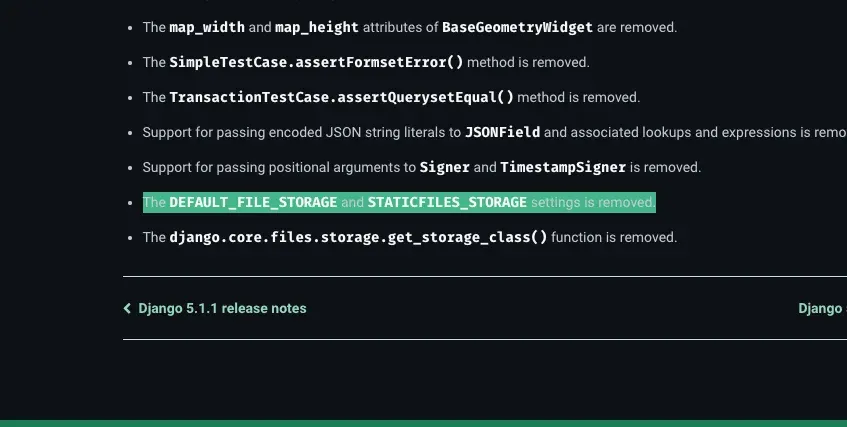
The DEFAULT_FILE_STORAGE and STATICFILES_STORAGE settings is removed.
That’s what it says.
Django 5.1 release notes | Django documentation
The web framework for perfectionists with deadlines.
 https://docs.djangoproject.com/en/5.1/releases/5.1/
Solution
Following the official approach, change it as follows.
# ↓ the new way to write it
 STORAGES = {
    "default": {
       "BACKEND": "foo.bar.HogeStorage",
     },
     "staticfiles": {
         "BACKEND": "django.contrib.staticfiles.storage.StaticFilesStorage",
     },
 }
 # DEFAULT_FILE_STORAGE = "config.storage_backends.MediaStorage"
This fixed it. 🦀
Looking at the changelog, it seems it’s written to emit a warning, but I couldn’t figure out how to make it appear. 🤦