The chakra-ui everyone knows and loves.
I wanted to reproduce the fontsize="md" notation in React Native, so I did.
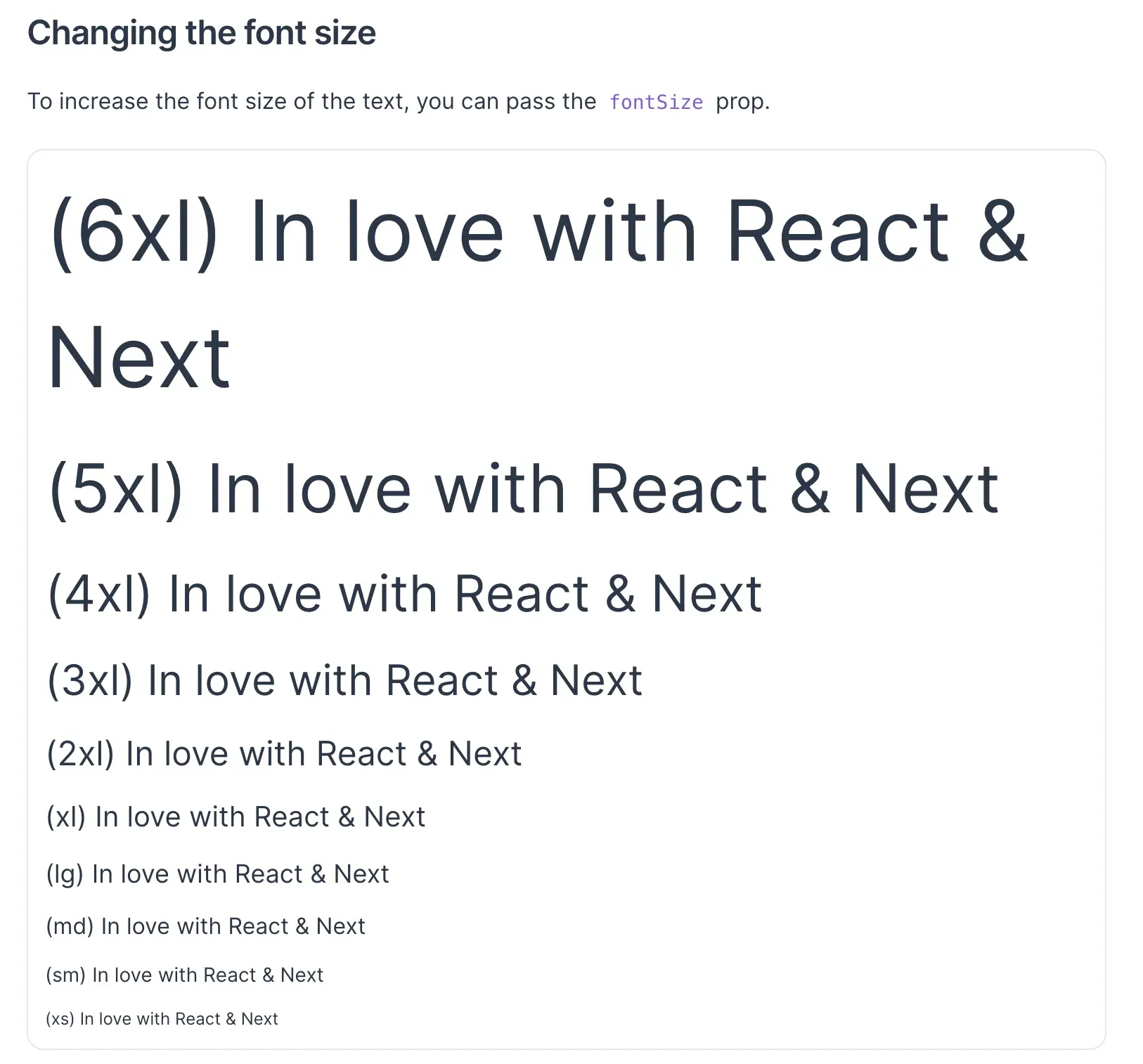
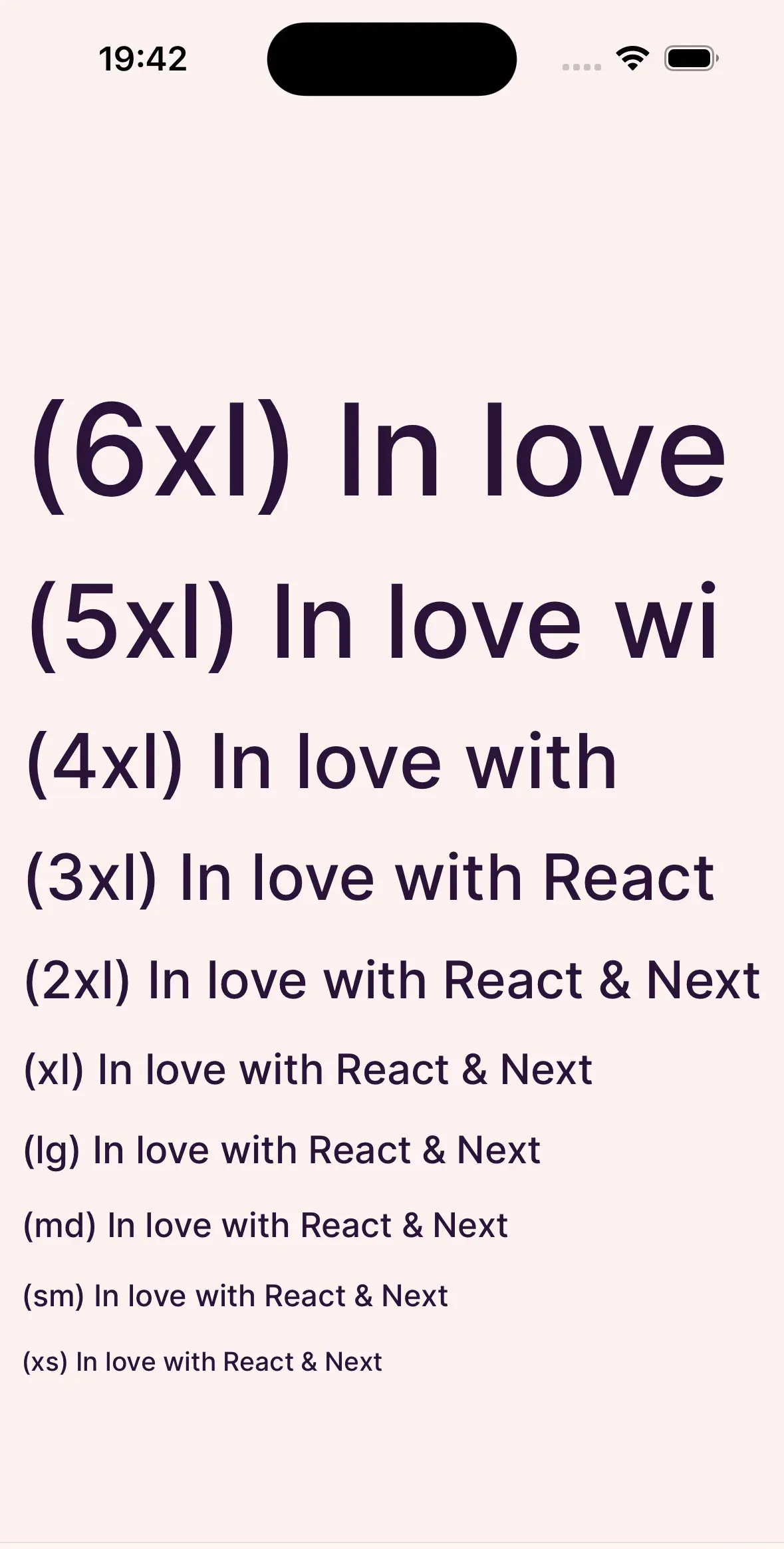
There’s probably a slight discrepancy.
To support the fontsize="md" notation, you need to install some libraries.
yarn add @shopify/restyle react-native-responsive-fontsize@shopify/restyle: needed to write things like fontsizereact-native-responsive-fontsize: lets you adjust font size as a percentage of the screen width, to reproduce the sizing
For setting up @shopify/restyle, see the links below. https://shopify.github.io/restyle/fundamentals/defining-your-theme/ https://shopify.github.io/restyle/fundamentals/components/predefined-components#text
Add this to your theme file.
〜〜〜〜〜〜〜
"6xl": {
     fontSize: RFPercentage(7.5),
 },
 "5xl": {
     fontSize: RFPercentage(6),
 },
 "4xl": {
     fontSize: RFPercentage(4.5),
 },
 "3xl": {
     fontSize: RFPercentage(3.8),
 },
 "2xl": {
     fontSize: RFPercentage(3),
 },
 xl: {
     fontSize: RFPercentage(2.5),
 },
 lg: {
     fontSize: RFPercentage(2.2),
 },
 md: {
     fontSize: RFPercentage(2),
 },
 sm: {
     fontSize: RFPercentage(1.8),
 },
 xs: {
     fontSize: RFPercentage(1.5),
 }
〜〜〜〜〜〜〜〜
🎉
<Text variant="xs" my="sm">
    (xs) In love with React & Next
</Text>